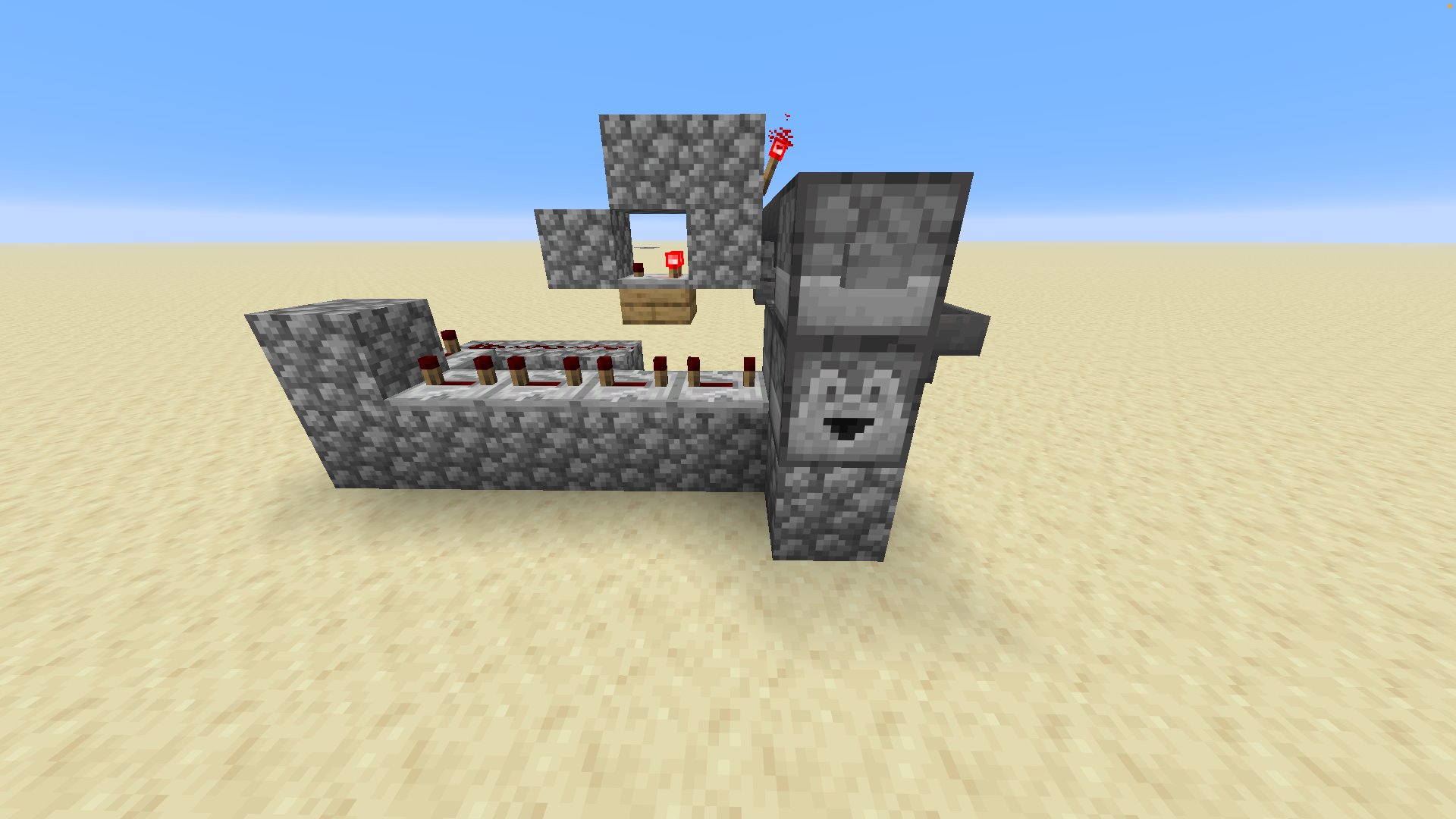
To select a specific kea, you need any named item (at least 42 of them).
Go to the hopper with the redstone torch on it and put 41 of the items inside.
Then wait.
If nothing happens, you did it correctly!
Now put the last kea kard into the dropper on top and press the button.
There you go — a fully automatic kea kard system!
The kea you put into the system will drop out of the bottom dropper right after the redstone lights up.
You must be logged in to post comments.
Ads help support the site and keep content free - but we’d rather you stay and enjoy the builds. Pick what suits you:

I solo develop this website and moderate uploads/comments to keep it family-friendly. Ads help fund the work so you can access content free.
We keep ads minimal: one interstitial per session, plus light banners on larger screens.
Prefer no ads? Patreon removes them and unlocks extras.



No comments yet.